Start tableski whenever you like
"It worked yesterday."
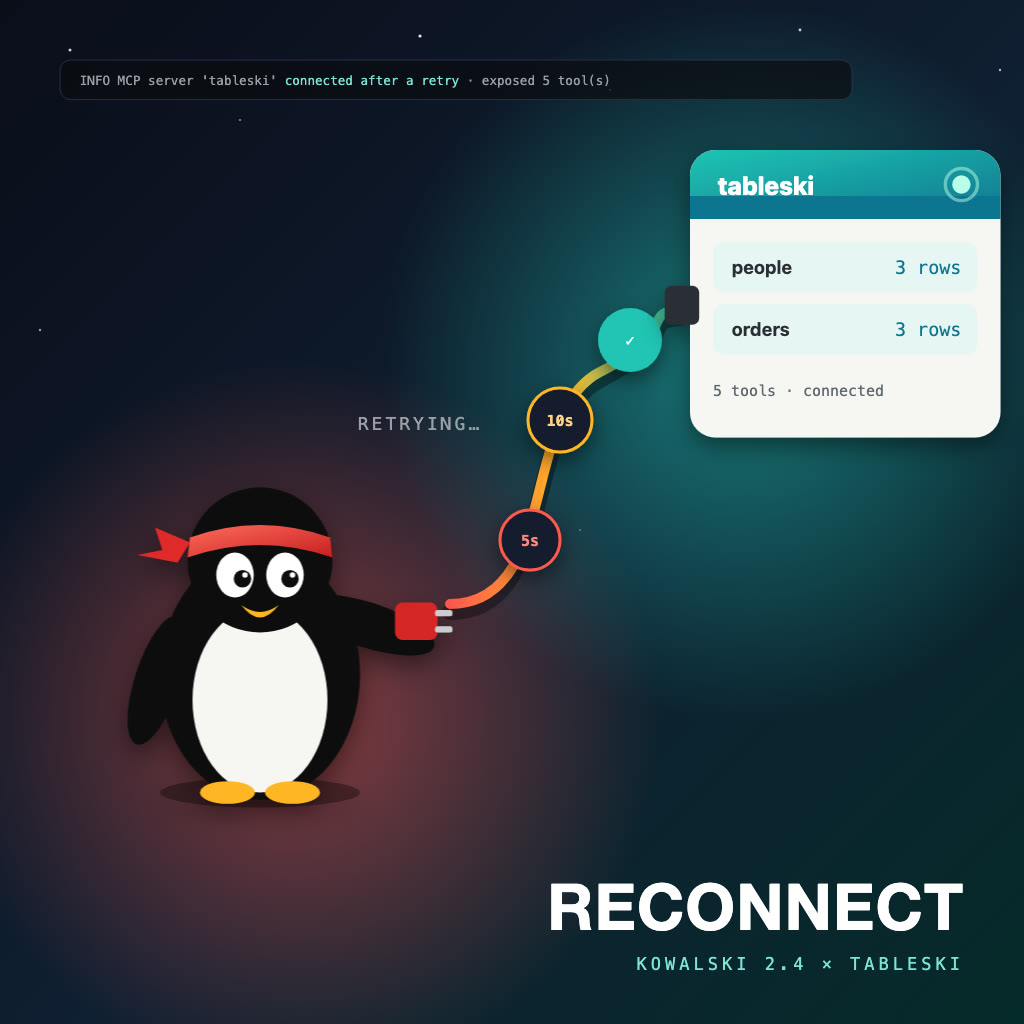
You can run tableski on your own machine, with tableski --file your.xlsx, and point kowalski at it. Until Kowalski 2.4 the order mattered. If kowalski started first, its Spreadsheet analyst never saw tableski's tables, and every question failed with "tool not available" until kowalski was restarted. Kowalski 2.4, Reconnect, removes that trap.
On a Mac, no terminal at all
Kowalski 2.5, Double Click, is out too: Kowalski.dmg. Drag it to Applications and open it. It starts kowalski and opens Setup in your browser, where Connect tableski signs you in to tableski.io once. Then drop a workbook on the Spreadsheet analyst and ask. The app is signed and notarized, so macOS opens it without a security prompt.
Either order works
A tableski that isn't running yet goes on kowalski's waiting list. Kowalski tries it again after 5 seconds, then 10, 20 and every minute, and stops once it answers. When you ask a question in the meantime, it tries at once, so the question that made you start tableski is also the first one it answers.
The hosted service at tableski.io was never affected: it's always running.
A local tableski, explained
The analyst's page has a Workbooks card for uploading files to your tableski.io account. A local tableski has no upload, and the card used to say so with a red error. Now it explains: your tableski serves the files it was started with, and restarting it with another --file is how you add one. Nothing leaves your machine either way.
Cleaner answers
Small local models sometimes wrap their whole answer in a code block, and the analyst's answers then showed up as grey Markdown source. Kowalski now keeps the answer itself, so the numbers from your tables read as answers again. They still come from SQL, never from the model.
Try it
On a Mac, download Kowalski.dmg. On a Mac or Linux, from a terminal:
curl -fsSL https://raw.githubusercontent.com/yarenty/kowalski/main/install.sh | bash
kowalski
Connect tableski.io in kowalski's Setup, or start your own tableski with your workbook, in whichever order suits you, then open the Spreadsheet analyst and ask. The rest of the release is on the kowalski blog: Kowalski 2.5: Double Click, and start things in any order.